
That feel when you realize after 2 days of screenshotting sessions that the ones you did first – you know, BEFORE the others that they’re all based on – were not, in fact, saved at all.
Hmm. That’s interesting. Hmm…

That feel when you realize after 2 days of screenshotting sessions that the ones you did first – you know, BEFORE the others that they’re all based on – were not, in fact, saved at all.
Hmm. That’s interesting. Hmm…
How I do TotK posts
A lot of this has been posted elsewhere, but after doing both Katherine Managan and Tails of the Khajiit for over 50 posts now, I do feel I’m pretty qualified to give a bit of instruction on this topic. Primarily on creating screenshots in Skyrim, but also just to give anyone interested an idea on what goes on behind the scenes to do these.
This is a pretty long post, but here’s a summary of console commands/mods I use in FAIRLY chronological order.
~ key – Toggles Console mode
prid <RefID> – Targets a particular character if you know their RefID. Can also be done by clicking on them in console if you’re near them.
moveto player – moves targeted character to your player character’s location. Invaluable.
tc – toggles control of targeted character. Let’s you move them around as if they are your character. (note, your PC will move too unless you first toggle this OFF for them!)
tai – toggles AI. Stops targeted character from doing ANYTHING (including responding to other commands so only use when they’re set like you want them.)
tfc – toggles free camera mode. So you can position your camera prior to screenshots. Note, got to turn it off to move a character though.
tfc 1 – toggles free camera mode BUT also stops all movement. Good for catching unusual situations if you managed to get to Console mode just right.
sgtm 12000 – Makes time go by very fast. Good for spinning the world to the next day or nighttime. sgtm 5 or 10 or so to go back to normal time mode.
mfg commands (mfg expression x y, mfg modifier x y, mfg phoneme x y) – use to change expression, eyes, speech (mouth).
inv – lists all possessions of currently targeted character. PgUp key allows you to scroll up if it extends past one “screen”.
equipitem xxx – forces targeted character to wear or otherwise equip item. xxx taken from inv command.
unequipitem xxx – forces targeted character to remove item. xxx taken from inv command.
setalert 1 – I THINK this causes the target to draw their weapon. Not 100% sure on that.
getpos (x,y,z) – shows current x, y or z coordinate of targeted character. Only useful for setpos
setpos (x,y,z) xxx – sets targeted character (or object – good for moving things around too) X, Y or Z position. X is like north/south, y is like east/west, z is up/down.
set timescale to x – slows time. Can be good to catch rapidly changing scenes but I don’t use it often. NOT the same as sgtm. This controls player movement, sgtm controls the sky essentially.
non-Console commands:
ENB Mod, enter with Shift-Enter by default – allows changing lots of things, for me just color saturation.
Halo’s Poser Mod – allows selection and posing of PC and NPC characters. LOTS of poses, but damned hard to decide which to use. Experiment seems best. Each pose has VERY short description. I once did a screenshot of EVERY POSE, thinking that would help. In reality, it takes too long to even go through all those screenshots.
1 – Write the plot line for the next post. This is usually a conversation, but also while writing it I conjure images of what’s happening too so I’m also beginning to get an idea of what each screenshot should look like generally. While I do have an overarching story in mind from the beginning, little details tend to present themselves at this stage. It’s also probably the fun-est part for me as bits of the story begin to come to life. I just do this in Textpad. No need for anything more complex than that.
2 – Figure out where in the post I’ve written the screenshots will go. Tumblr really only wants 10 images per text post. In general I try to make the image match the text just below it (as opposed to just above it). However, sometimes I may have a couple screenshots I REALLY want to both be used, or just can’t get one to match what’s in my head – so this isn’t always possible. Also I have no problem with posting 2 shots without intervening text when it makes sense. And sometimes my post runs long. If so, I try and figure out if I should cut some parts out or, if all are pretty important, to just go ahead and split it into 2 posts. I’ve done posts with 13 or so screenshots – but the later shots tend to just say “image” in Tumblr and require the reader to click on them so I’d rather split them in 2.
3 – Fire up FRAPS and Skyrim and load the most recent save (usually). I just find FRAPS easier to do screenshots with than the built-in method in Skyrim. This at least gets me to where I left off, but for me is harder than it seems. For whatever reason, a LOT of my saves CTD and I have to start up Skyrim again. I’m blessed in having a decent SSD in the laptop I do these in so it is fairly quick to start over, but I tend to have to find a save that DOESN’T CTD. Oddly enough, once I get it fired up, I can THEN reload the latest and it doesn’t CTD. This process probably takes 5 minutes to get to where I left off. Also, my laptop tended to overheat – causing the whole laptop to shutdown – in the middle of doing these. I’ve since solved that with a decent Coolermaster laptop cooler underneath.
4 – SETTING THE SCENE
A – Get the characters into place. This can be an involved process, especially when switching from exterior to interior or similar. First, it’s imperative that you have their REFID number. It seems no matter what I do, some tend to wander away. But if I have their RefID number, I can always type MOVETO PLAYER in the console and grab them back to wherever my main character is. So the simplest way if I’m entering a tavern for example, is to enter the tavern, CONSOLE, type PRID <RefID> (to select them), then type MOVETO PLAYER (to move them). Then, still in the console, I’ll typically type TC to take control of them and move them to where I want them. I’ve not posed them yet, just got them where they should be. Another annoying thing, when controlling NPCs this way, they don’t like to do things (like sit on a bench – or even jump onto a bed). I have to get them close, type GETPOS X (to get their current X coordinate) then SETPOS X (xxx)(to get them to move INTO the bench or whatever). THEN TC them and typically have them jump which gets their Z (up/down) position right. Or I can just GETPOS Z and SETPOS Z (xxx) to force-move them upwards.
B – Now time for posing. Hopefully I know what pose I want them to take. If not, I try lots of different poses till I get something at least close to what I want. This is where Halo’s poser mod comes in. I select a pose from the hundreds (thousands?) available and select the “magic ring” appropriate and use Z to cast the spell to get them to pose. Most of the time it’s not what I want and I have to select/pose again till I get one I like. But wait, not done yet!
C – Now it’s time for MFG. There’s a whole series of mfg commands like:
mfg expression 2 100 – (expression 2 is HAPPY expression, 100 is “full happiness”. There are 15 expressions possible.)
mfg modifier 9 100 – (modifier 9 is Look Left, and again 100 is “full left”. Other modifiers include brows raised, squint, etc. Mostly I just move the eyes up,down,left and right with these)
mfg phoneme 0 100 – (phoneme 0 is “normal” speech. These control the mouth. I find its usually simplest to have all characters have their mouths open as they’re PROBABLY going to be talking.)
mfg reset – resets all mfg values to default. Good way to start over fresh.
D – I didn’t mention clothes/weapons did I? Well, those need to be in place before any of this. Also console command setalert 1 seems to make them draw their weapons out. Handy in battle scenes.
E – Now everything is theoretically in place, at least for this one character. But even when posed, sometimes they have a mind of their own and want to wander off anyway. And nothing quite says Hilarity Ensues like when a model, posed to perfection, decides she wants to go join in the revelry inside a tavern by wandering off still in a sitting position. Talk about gluteal dexterity!. To prevent this, again in the console and while having them selected, the console command TAI comes to the rescue. Toggles AI on and off. When it’s off, they Will Not Move. (except via setpos commands). That’s a good thing usually. So I do that and then repeat the process with the next character.
5 – Ok – now, assuming everyone is in place, wearing the right clothes, weapons, expressions etc, I pose my PC. Pretty much the same process, though activating poses is done slightly differently in Halo’s Poser mod. And assuming the PC didn’t overheat. But not quite done yet. The default Skyrim is very… grey. I liven it up by increasing the saturation with ENB from 1 to 2. I’ve seen people REALLY into screenshots that do much, much more with ENB (it’s another mod btw) than I do. I just use it to increase the color saturation. Maybe someday I’ll do more.
6 – Take the screenshot. In the console again, I enter TFC (toggle free camera) or TFC 1 (does the same thing but locks down EVERYTHING including flying arrows) and then TM (ALL UI things become invisible). Just be sure you remember how to get the UI stuff back! Then exit console. Take lots of screenshots from lots of different angles. Don’t forget that crotch shot or boob shot you horny devil, you may need it to spark interest at Furaffinity! (Those guys eat that stuff up!)
Great! Now with luck you have a screenshot good for one, two, maybe even 3 images in your final post (from different positions). Remember, if it’s a conversation, you may use one shot from behind a character’s shoulder to the talking character from one, then another from the reverse position for the other. You want to get as much out of each scene as you can.
But… you’re going to HAVE to go in and do it all again for the next shot. Fortunately, MOST of the time the next shots are in the same basic area so you just need to re-enable their AI (TAI command), Take Control of them to move them to the new position (TC command), maybe adjust their expression/mouth (mfg commands), change their pose (Halo’s Poser mod), repeat with other characters, then take a new round of screenshots.
I end up with TONS of unused screenshots. If I particularly like one, I’ll use it as a bonus shot in Disqus comments, or as an “ad” of sorts on Furaffinity. I’m obviously not adverse to erotica, though I still maintain I don’t do porn – nothing inserted in any bodily orifice that is. Ok, soft porn I’ll admit to.
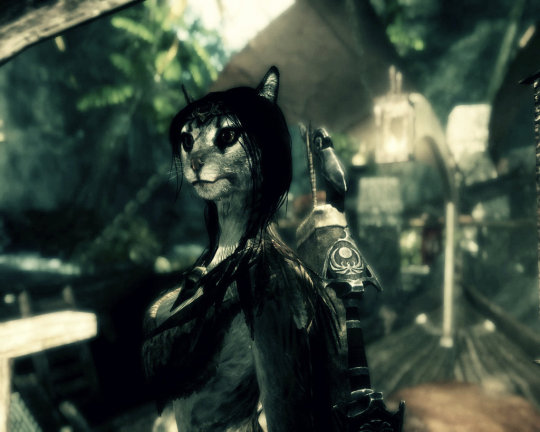
I’m not hating on it here, it’s just that the genre is totally uninteresting to me. Post-apocalyptic scenarios are just about the most depressing things I can imagine. And they have no cat-girls. What kind of game has no cat-girls? I’ll answer my own question – a game I don’t own.
I noticed some of my favorite skyrim-modders are already hard at work on it though.
But Nah 8{ (that’s my emoticon for Nah) I’m going to stick to Skyrim. For the Khajiits. Someone let me know when they get cat-girls in Fallout 4 and I may have a peek.
The one thing I am curious about though is if they’ve upgraded the basic game engine significantly since 2011. So I AM looking forward to seeing some of my favorite modder’s works from it, even if I won’t buy it (till it has cat-girls).

(and no, images aren’t mine. Just randomly chosen Khajiits from google image search. But I dare anyone to beat them with Fallout 4!)
FINALLY a Prequel update. I’m rather proud, I just happened to be online when it updated and snagged first comment. Short update as the flash isn’t done yet, but all the merchandise, new flash sidestory and new slow-reveal update make up for that easily. in fact, I suspect the longest time was getting the merchandise thing setup – not just the indiegogo site, but the material itself. I’m GETTING that non-Unity tapestry dammit!
BUT… check it out…
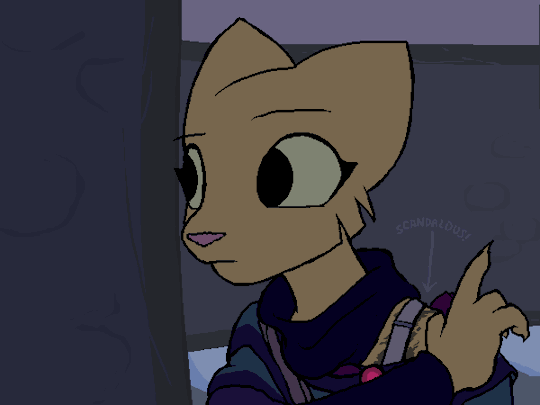
Now you may think I’m posting that because “snigger, bra”. But no! NO, that’s NOT the point at ALL! What does this say about the turtleneck-thingy? Huh, HUH? It’s NOT part of the undergarment is it?!!!! It’s NOT! It’s a separate, stand-alone item. A neck warmer… a… dare I say it…
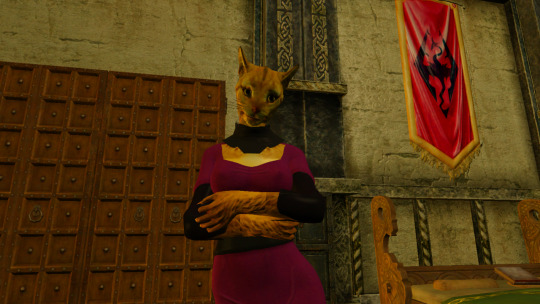
IT’S A GORGET!
To quote my post from a month ago:
“Really? Are you serious? This is literally JUST a turtleneck!” – Kitty
Well, technically it’s a gorget.
SEE? See Kitty! TOLD YA SO!
Ok, dumb luck maybe, but now my outfit is just THAT much more cannon. I never got permission to release it unfortunately, but it did just make it’s first appearance in talesofthekhajiit.tumblr.com so it’s not gone to waste.
Anyway, I’m just giddy for the merchandise I’m going to be snagging. No way I can go without the $145 package. But… na, not the $300. That unity poster… sorry, no offense intended, but I wouldn’t hang that on my dog’s wall. It was a chuckle. Now honestly if the OTHER poster was available at that size, now THAT I’d go for as it’s COOL!

This, I cannot wait to hang on my wall. This is fucking awesome.
What are you doing?
“Reading.” – Kitty
What are you reading?
“A book.” – Kitty
What KIND of book?!
“A book on acting. I thought it might be useful later.” – Kitty
I’ve got something new.
“Oh yeah?” – Kitty
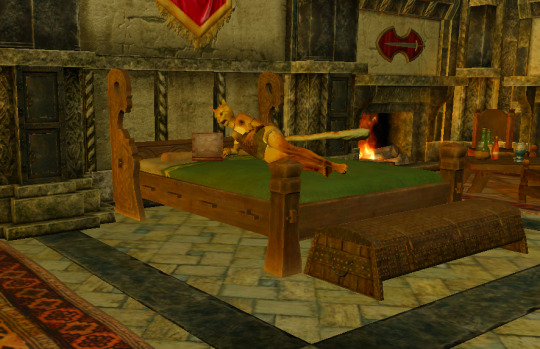
Yup – got a turtleneck!
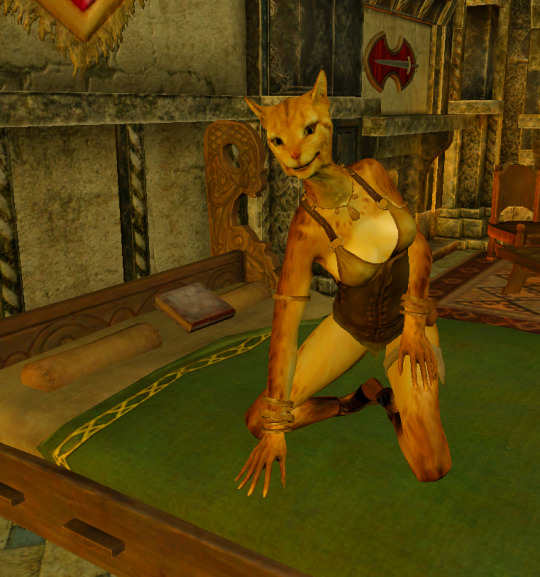
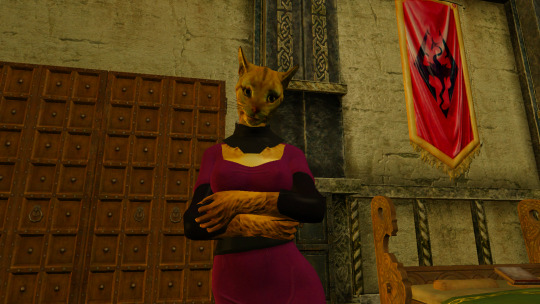
“Really? Are you serious? This is literally JUST a turtleneck!” – Kitty
Well, technically it’s a gorget.
“It looks silly.” – Kitty
Put on the cloak. It works much better with that on. I might merge it into part of the cloak in fact, though Prequel implies it’s part of the outfit. Or I might just keep it totally separate. That way it can be adjusted to the player’s liking.
“It looks silly.” – Kitty
Try it with the cloak!
“Ok, but outside. It’s too dark in here.” – Kitty
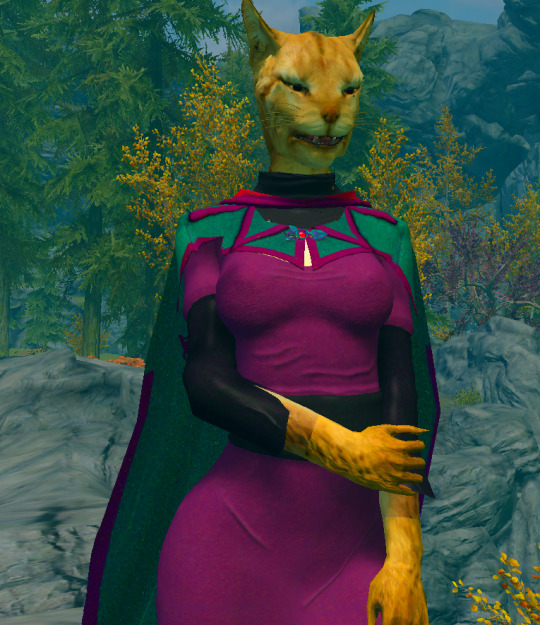
“Oh, that really DOES work. Just about covers up the boob window too I see!” – Kitty
Almost. Now I know it could use a few more tweaks, but really – I think this is pretty much it. Version 1.0 of Festive Holiday Disaster.

“And I suppose you are feeling all proud and accomplished now huh?” – Kitty
Well yeah, something like that.
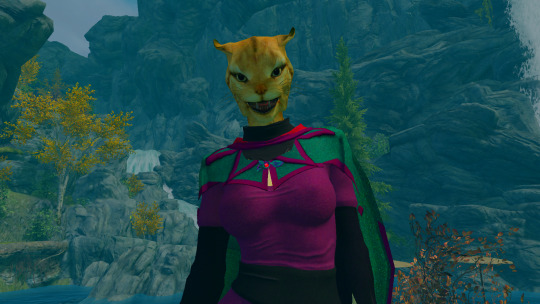
“I knew this day would come soon so I bought you a present. Come up to the woods after dark and I’ll give it to you.” – Kitty
(Gulp) – Okay!
…
…
(later)
…
“Over here stud. You like the shiny?” – Kitty
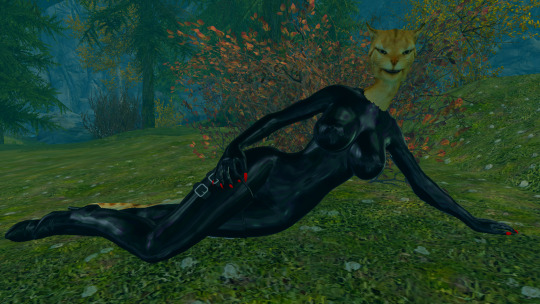
Er…. Uh… I…
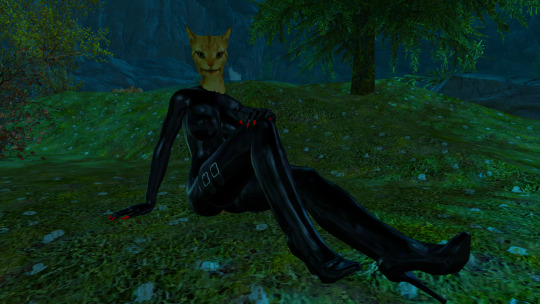
“Come on, sit over here beside me. It’s a warm night and this outfit is hot.” – Kitty
Sure… but um. I…
“What? What’s wrong” – Kitty
Let’s just say I’m a bit premature.
“WHAT? AHAHAHA!!! THAT figures!” – Kitty
Well! You did it. Springing all that shiny on me at once!
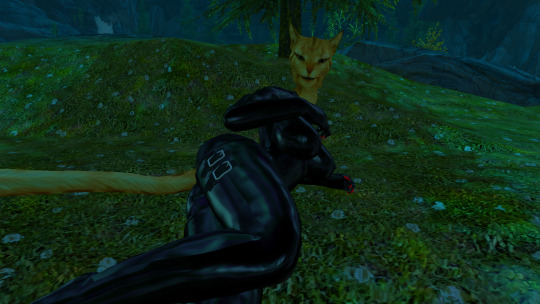
“I guess I did, didn’t I? Well, that’s ok. We can just look at the stars here… for awhile.” – Kitty
I think I can see them reflected in your pants!
“So what’s your plan for that webcomic thing?” – Kitty
Oh, now that’s MY suprise for YOU.
“Then, when do you think you’ll start?” – Kitty
Probably a few more weeks. Though this is essentially finished, I’ll need to package it up and try and hit up Calyps for permission again. I can’t let it out publically without his OK and if I don’t get that, then this is probably as much as I can do with it.
“That would be a shame. But it’s out of your hands so let’s not worry about it tonight.” – Kitty
Yes, let’s not.
Hey KITTY, I’ve got another update for you!
“hang tight, I’ll be there in a minute…” – Kitty

“You like my new swimsuit? It’s shiny!” – Kitty
Gulp! Um… suit? Yeah! It’s… wet.
“Sometimes you’re just TOO easy you know. Wait just a minute, I need to dry off.” – Kitty

“So, what’s new with the Disaster?” – Kitty
Um… I… um…
“Maybe it would help if you closed your eyes for a minute? Closing your mouth might help with the drool too.” – Kitty
OH! Yeah. The… thing. Well, it’s not going to be dramatic changes from here out. Just small things really, but they’ll add up.

“Do you mind. I’m kinda getting undressed here.” – Kitty
Oh, sorry. So I added the little thing under the knees.
“Did you add a shinguard or something?” – Kitty

Naa. It seemed better just to paint the leggings.
“Easier at least… Ok, you can turn around now. Where’s the outfit?” – Kitty
I left it up on the patio.
"Ok, so what else?“ – Kitty
Well, I dropped the shine factor. And I adjusted the normal map so the triangle things on the top look at least a little more like separate material.
"How’d that turn out?” – Kitty
Not as well as I’d hoped, but it’s ok. I also used the same to bring that little red button up a bit.

Here – try it on.
“Ok, but turn around again – I’m not as fast as Katia… yet.” – Kitty

“So, how do I look?
To quote someone on the fanart, better than you have any right to!
"Heheh! That’s me!” – Kitty
“Oh, I see you’ve adjusted the ankle cutout a bit too. Good, good.” – Kitty
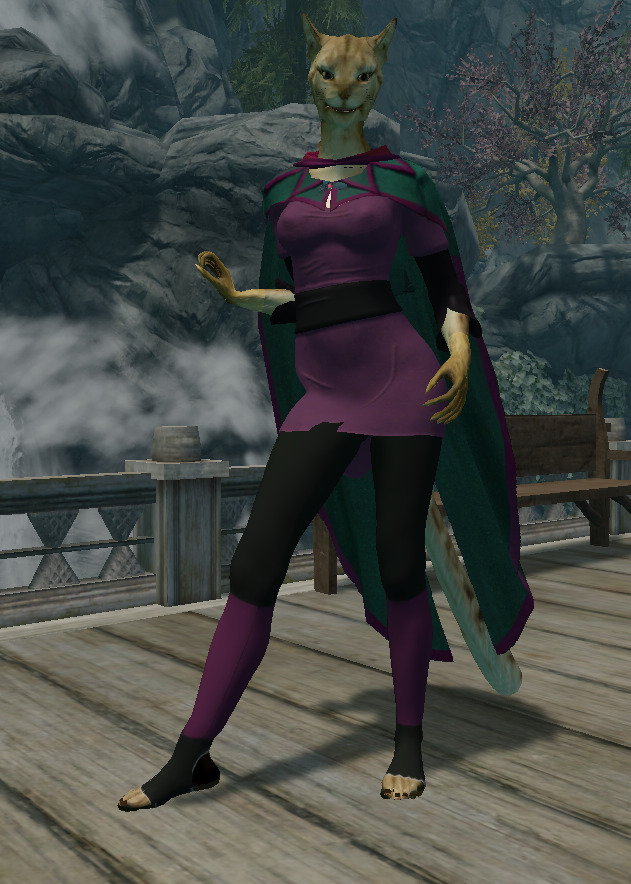
You know, the cloak and the outfit ARE separate items. You can take the cloak off when you sit so it doesn’t look so weird.
“Oh, thanks! Hey, I’ve been thinking. You’re going to have this cloak done soon aren’t you?” – Kitty
Yeah, getting close, though I’ve not a clue how I’m going to do the turtleneck yet.
“But… when you do… you won’t need me anymore to model for you.” – Kitty
That’s true.

“So, I won’t really see you after that.” – Kitty
I guess not. Why?
“Well… I’ll kinda miss you I guess.” – Kitty

Oh, don’t worry about that! I said I’ll start a new comic like Katherine Managan. How about if I star you in it?
“OOO! Really? ME?” – Kitty
Sure! Why not, you know I’m going to use SOME Khajiit anyway. Might as well be you.
SQUEAL – Kitty
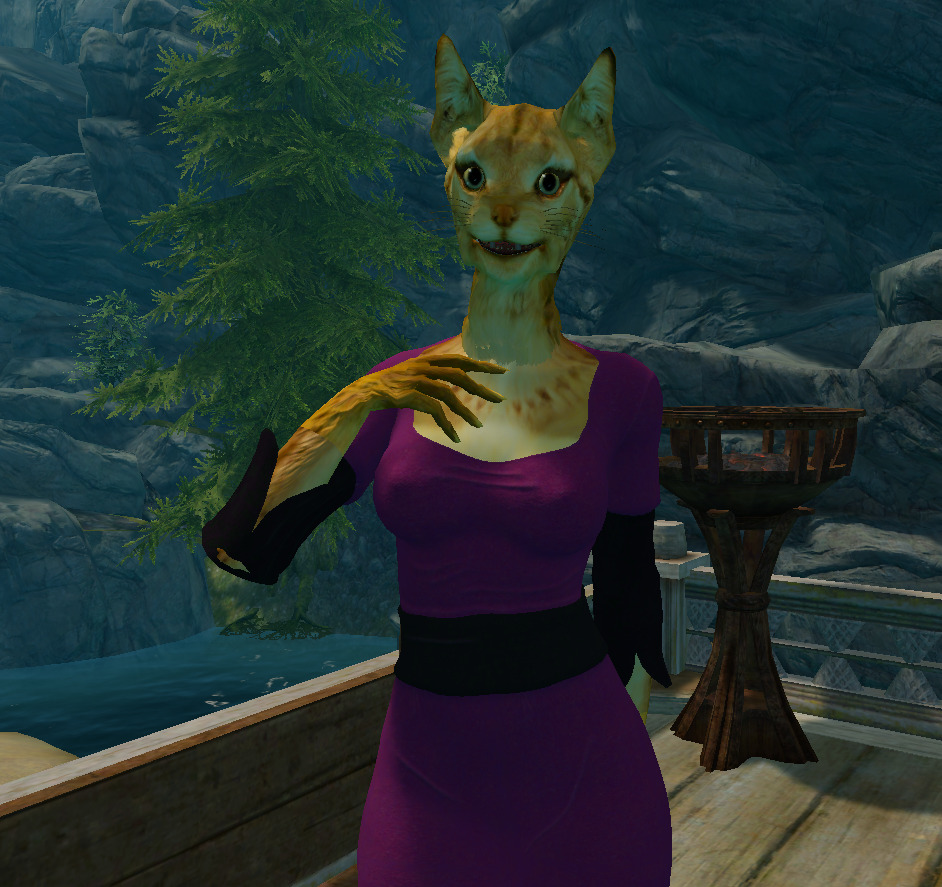
Did you really just squeal?
Oh, there you are Kitty!
“I’m sorry, I didn’t hear you come in. Were you looking for me?” – Kitty

Yeah. Mind trying it on again?
“But I just got here!” – Kitty
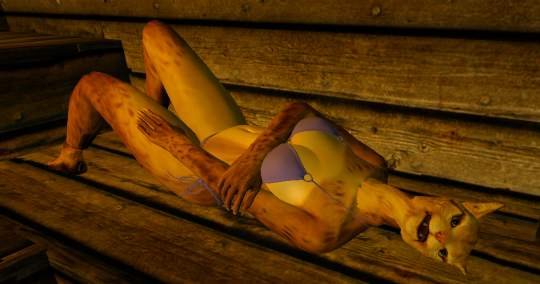
Oh, come on. It’ll just take a few minutes.
“Grrrrrr” – Kitty
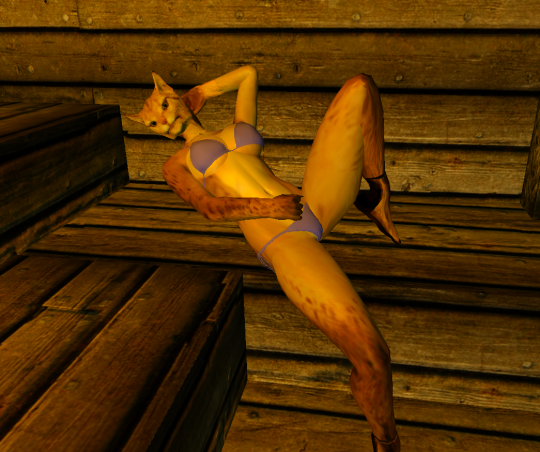
So ladylike.
“Oh dearie me, dids’t thou view my tuzzy-muzzy? I shame so.” – Kitty
Like you are EVER embarassed by anything!
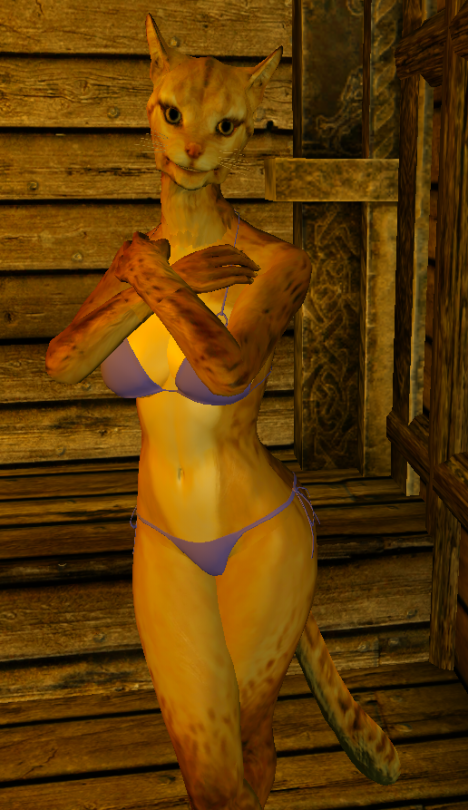
“So what have you got done now?” – Kitty
Check it out…
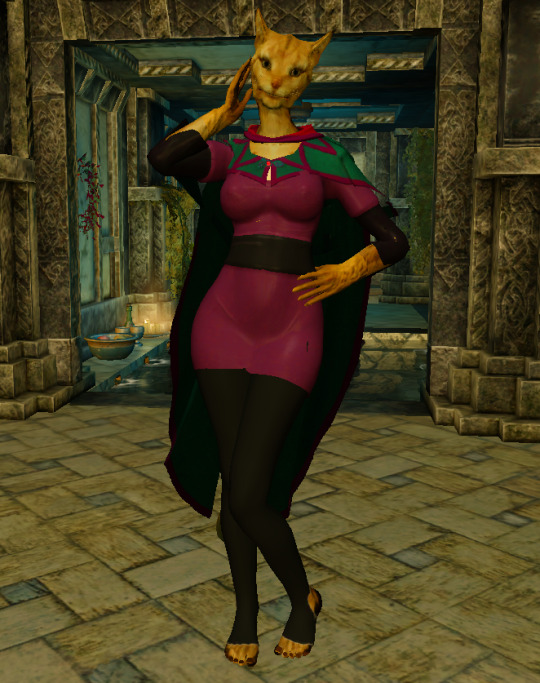
“Oh, you’ve added pants!” – Kitty
Well, leggings at best. They’re really modified pantyhose!
“I suppose you’ll claim they prevent clipping?” – Kitty (scoffing)
They DO!
“Uh huh.” – Kitty
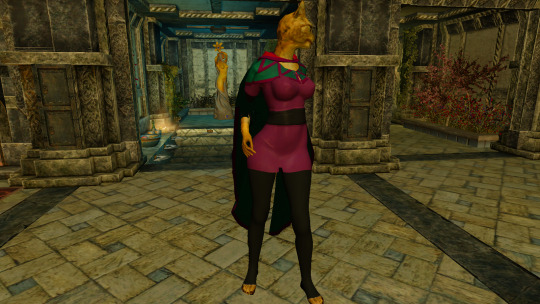
Well they do.
“Let’s go outside where i can get a better look.” – Kitty
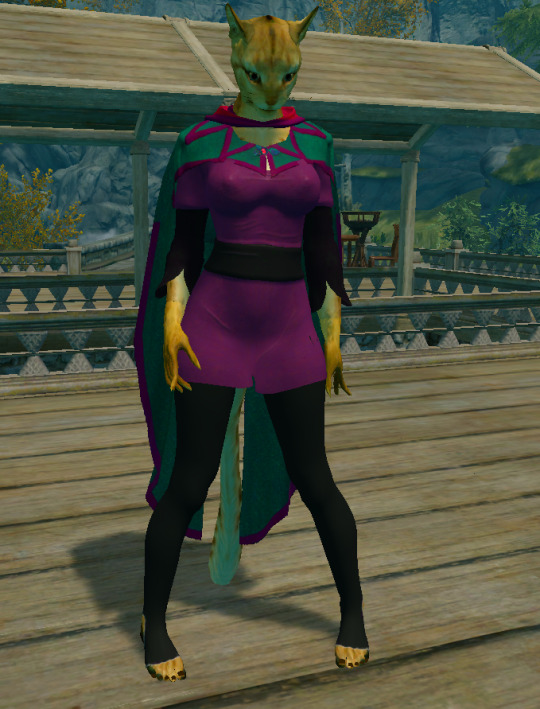
Say, have you gained a little weight?
“Maybe… After that comment about my boobs, I may have tweaked the dial a little.” – Kitty
Hubba Hubba!
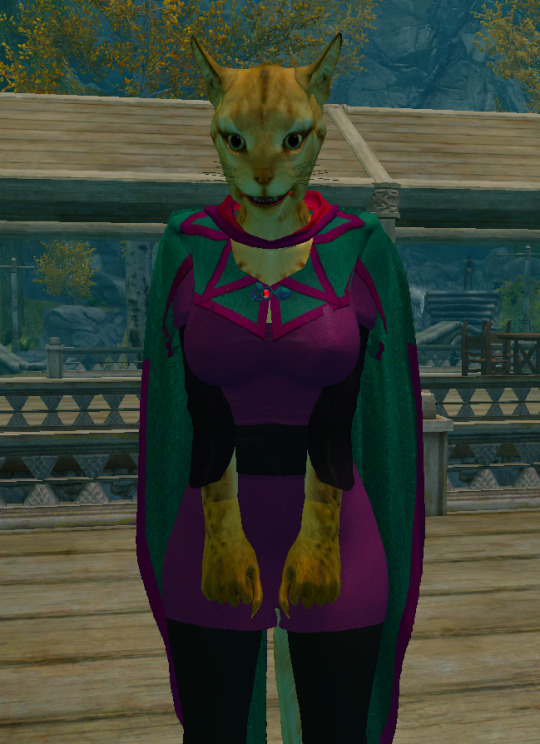
“(hubba hubba? who says that?) – Hey, I can do whatever I want with my own settings!” – Kitty
Sure you can!
“…besides, isn’t this a little SHINY?” – Kitty
Yeah, but I PROMISE I’ll reduce the shinyness.
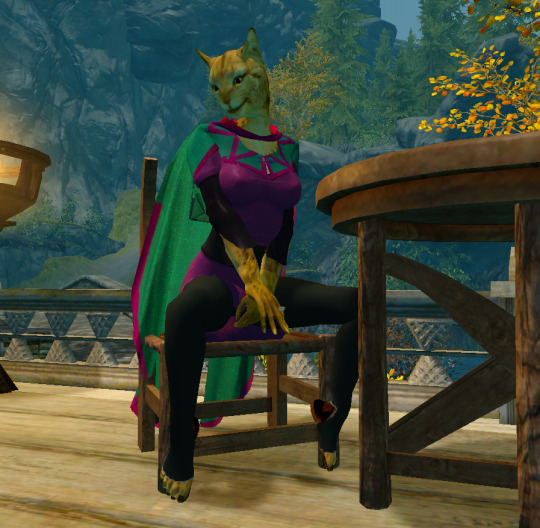
You DO like shiny things don’t you… like leather…“ – Kitty
Yeah, but I’ll lower it.
”…and silk… latex…“ – Kitty
Ok, ok… yeah.
”…rubber.“ – Kitty
OK, that’s enough. Give it back to me. I’ve got more work to do!
"No way, I like it!” – Kitty
GIVE IT BACK!
“SUCK MY FURRY TOES! I knew there was SOMETHING these holey leggings are good for!”
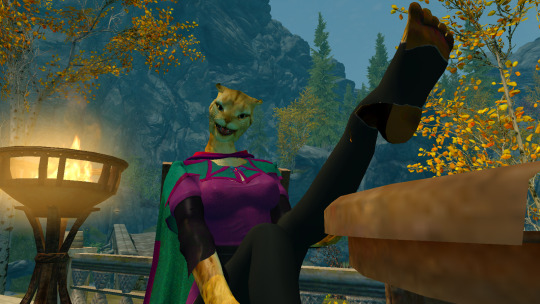
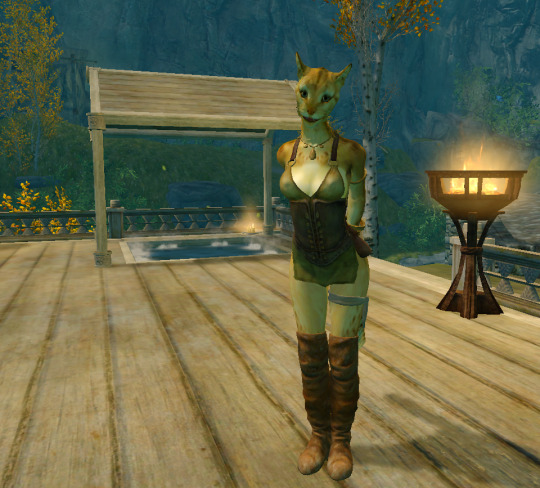
“Wow, where have YOU been?” – Kitty
Honestly, I’ve been learning.
“Learning? Learning what?” – Kitty
Oh, textures, normal maps, things like that. And how to use Photoshop really.

“So, nothing new to show me yet?” – Kitty
Well, I do – but it’s just a start at the outfit. And even what I did I need to redo some.
“Well, let’s see what you’ve got anyway.” – Kitty
Ok but… I have a favor to ask.

“…why do I feel apprehensive? Oh, go ahead. What?” – Kitty
I need to take a closeup of your chest.

“My BOOBS? Why?” – Kitty
Oh, covered of course, but that’s where I did the most work and so… well..
“Yeah, figures that’s where you’d concentrate. Ok, go ahead. Let’s see what you’ve got.” – Kitty

“Oh this isn’t too bad at all!” – Kitty
No, but the color’s not right, belt is too wide, inner sleeves aren’t full length. But really I’ve been learning about normal maps and texture files mostly and how to work with them.
“Mumbo jumbo – what’s all that mean?” – Kitty
Well, let’s take a close look at your back…
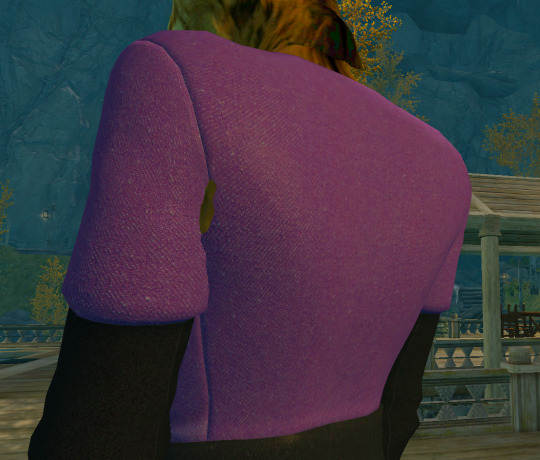
See how the texture has that grain, and how the seams sort of indent visibly. That’s the first thing I did. Gives it realism (well, other than that little clipping).
“Well that looks pretty good – so what’s the difference on the front?” – Kitty
I’ll show you.

See, the back looks good – but it’s too perfect. It needs SOME defects. Wrinkles and folds. So I’ve been watching tutorials on how they’re best done…
“Oh, go ahead, it’s not like you’re going to pinch them.” – Kitty.
Thanks! So look…

See, the texture’s still there, but in front we have a few wrinkles. Not lots, but enough to give it some depth.
But I went too far I’m afraid. I accentuated your tits too much. The cloth there is a bit highlighted and that just doesn’t look natural. The wrinkles are fine, but the boobs don’t need more dark under/light on top.
“Ok, now I’ll add the cloak.” – Kitty

Yeah, I know – wrong color. It looked a lot closer in the Photoshop. But I’ll adjust it.
“And from this angle, I see what you mean about the boob accent. Yeah, it doesn’t need that. I’m fine in that department!” – Kitty
Fine indeed!
“Well, then back to work. Come see me again when you’ve made more progress.” – Kitty
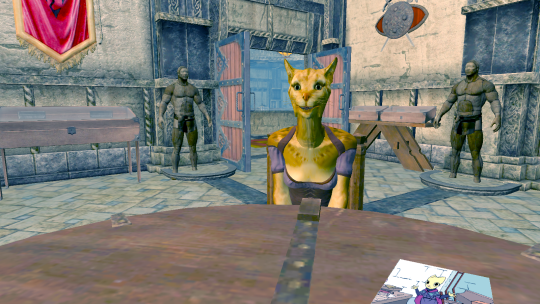
“So… whatcha doing? Working on the Cloak of Gray Tomorrow more?” – Kitty
Yeah. Just doing some small tweaks to it now. I think it’s almost done, but I have a couple things I can’t fix.
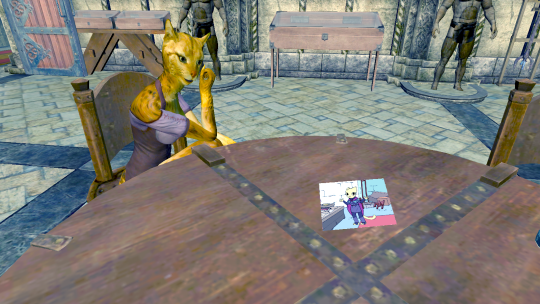
“Show me.” – Kitty
Well first there’s that section between the hood and the dust cloak that’s open.
“Oh, the boob window? I thought that was cute!” – Kitty
Me too – but it’s not cannon.
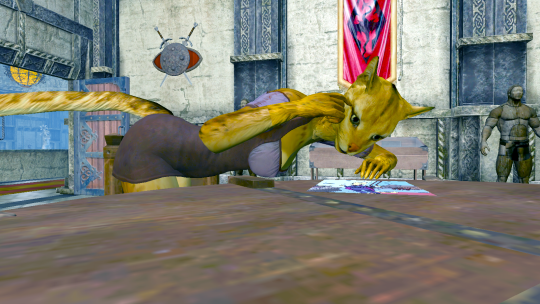
“You know, if you’d taken Kaz’s advice and ‘learned to mesh’, you could fix that.” – Kitty
I know. But you’d have been old and grey by then.
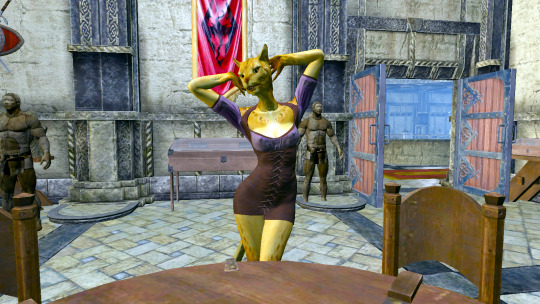
“With THIS body? Never! What else?” – Kitty
Well – the cloak has a clear red inner liner. I’ve not figured out yet how to paint the INSIDE different from the outside.
“Oh, you’ll figure out some way. Anything else?” – Kitty
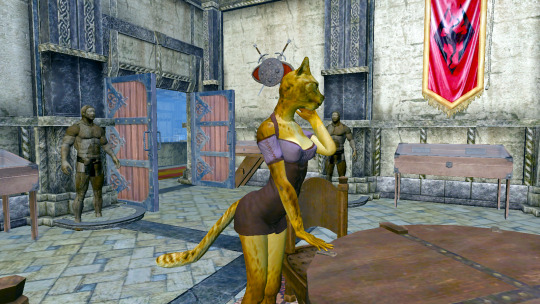
Well, I’d like to use the normal map and raise those triangley-thingies to make them look more like separate clo… HEY! What’s that outfit?
“What, this? Oh, it’s just something I got from Whiterun. You like?” – Kitty
Me like! But it’s not cannon either.
“Cannon my butt – it’s gorgeous and you know it. Now let me try on the cloak again or I’ll scratch your eyes out.” – Kitty
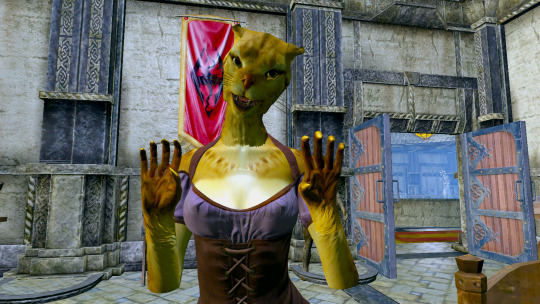
OK OK! Sheath those claws. Here you go.
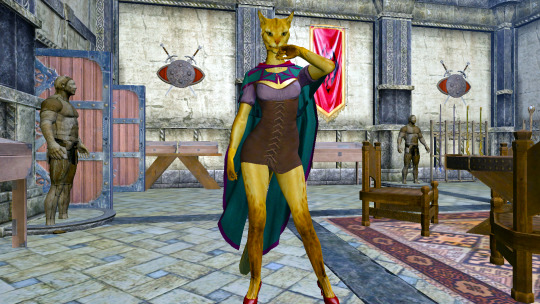
“How do I look?” – Kitty
Sexy as always. Love the shoes by the way!
“Thanks. So, what did you change?” – Kitty
I told you it wasn’t much. Cleaned up some neck issues mostly and added that little red button in the middle of the clasp.
I tried to get rid of the old clasp completely but…
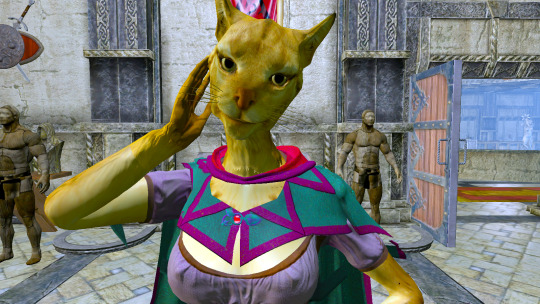
“But you didn’t learn how to mesh.” – Kitty
Well… yeah.
“Hey – it may not be cannon, but >I< like it. If you can get that inner color changed, I’ll be satisfied.” – Kitty

And it’s all about satisfying you, right?
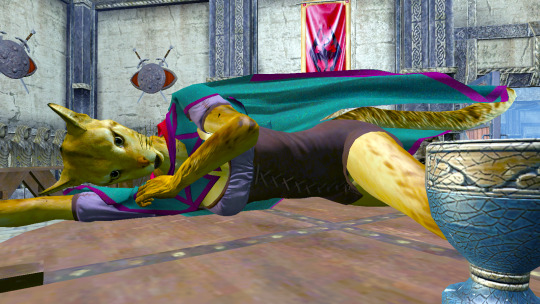
“I’d like to think it’s mutual.” – Kitty
Hey, you’re warping the mesh!
Good morning Kitty! Rise and shine!
“Mmrph. KAK!” – Kitty

Not exactly a Morning person are you?
“Grfff” (scratch) – Kitty

“Grawlright.” smack. “I’m getting up.” – Kitty
That’s what I like about you, so graceful and ladylike!
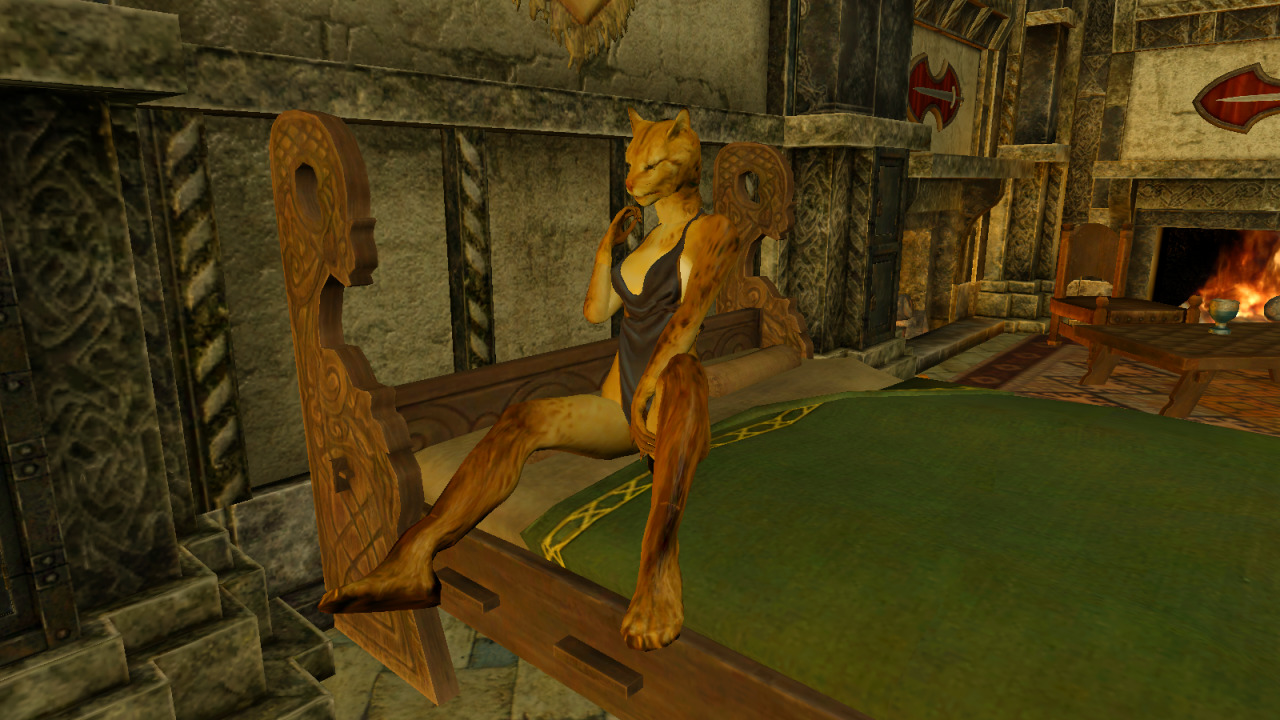
“I don’t recall you asking me to be ladylike last night.” – Kitty
Oh come on, get up and get some clothes on. I’ve got another update to show off!

“What to wear, what to wear?” – Kitty
Try something at least somewhat like the Festive Holiday Disaster garment.

“How’s this?” – Kitty
That’ll do fine. Now, try this on over it…
“Oh, yeah! It’s definitely coming together!” – Kitty
Still some work around the neck to do, and that clasp is all wrong. But yeah!

“You’re kinda like those guys on that clothes-designing show aren’t you?” – Kitty
Well, in SOME ways, yeah – I guess I am!

“Yeah, there are some CLEAR differences…” – Kitty
Well, YOU should know!
“There’s that. And they, like, create their OWN designs. While you…” – Kitty

Ok, ok – I get it.
“…take two people’s designs, combine them, and try to make them look like a third person’s design!” – Kitty
OK! I GET IT! Now turn around and let’s see the revision I did there. Had the purple border wrong.

“Maybe they should make a new show: World’s Best Plaguriarists!” – Kitty
Thanks for turning around Kitty. (and showing your best side.)
“I HEARD THAT!” – Kitty
 bdprequel